
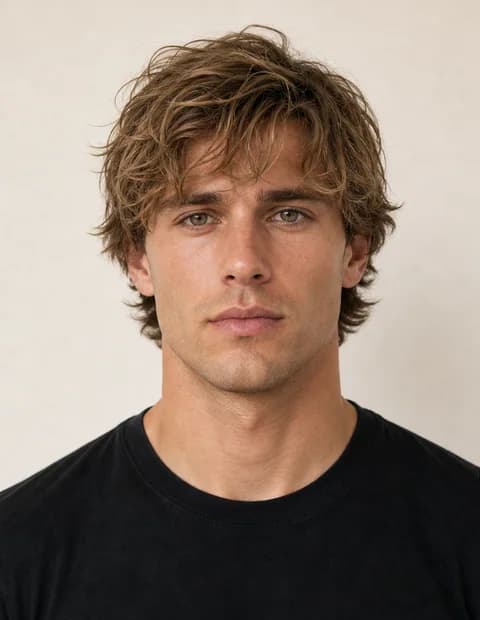
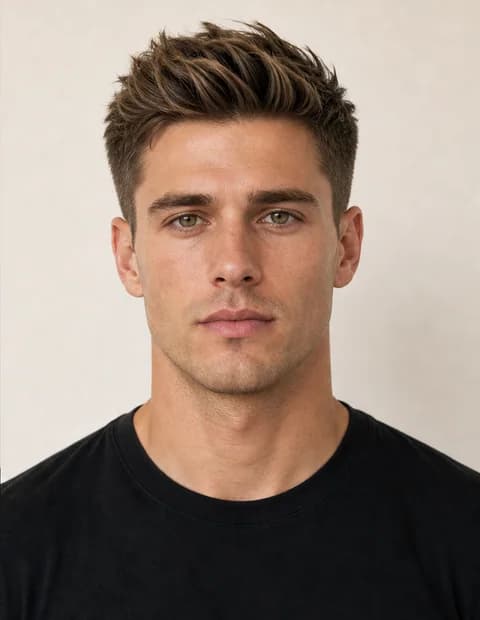
AI Hairstyle
Preview haircut and styling directions from your scan photo.
Start with a free AI face rating scan. MogScore builds the rating snapshot first. Unlock a Glow-Up Blueprint later if you want score reasoning, priority order, and next-photo guidance.
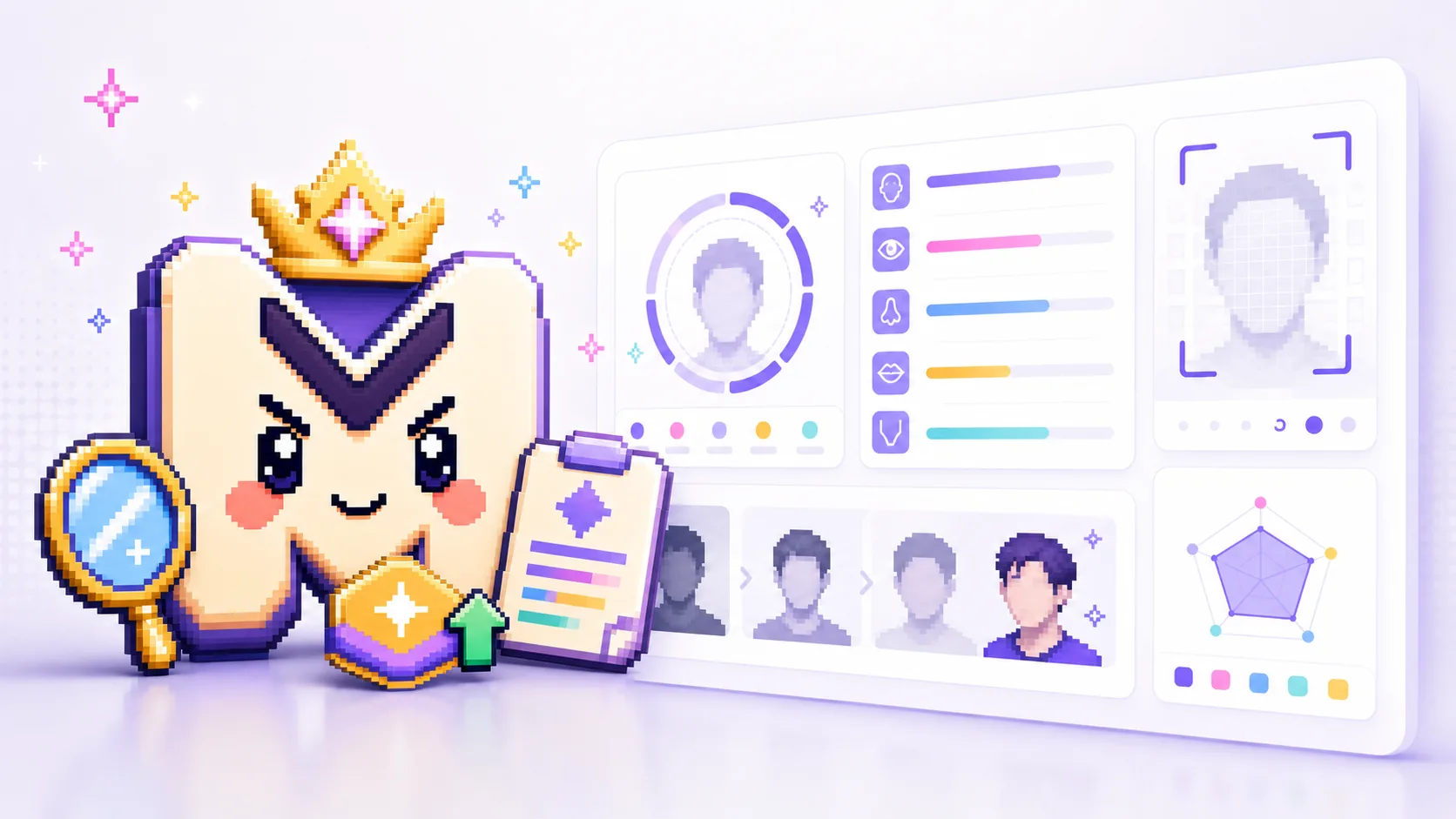
The looksmaxxing AI hub is still here, but start with the scan. Run the free MogScore AI face rating first, check the mog score, then choose what to do next.
Looksmaxxing AI hubUpload preview
Free rating before sign-in
One clear photo
Local first scan creates the free snapshot first.
Sample MogScore
Explains the saved snapshot; it does not change the score.
Face rating scan
The scan runs in your browser and builds the rating snapshot before any unlock.
Use the browser camera for a current scan. The first rating snapshot is free.
The face scan works best when your face is centered, evenly lit, and unobstructed.
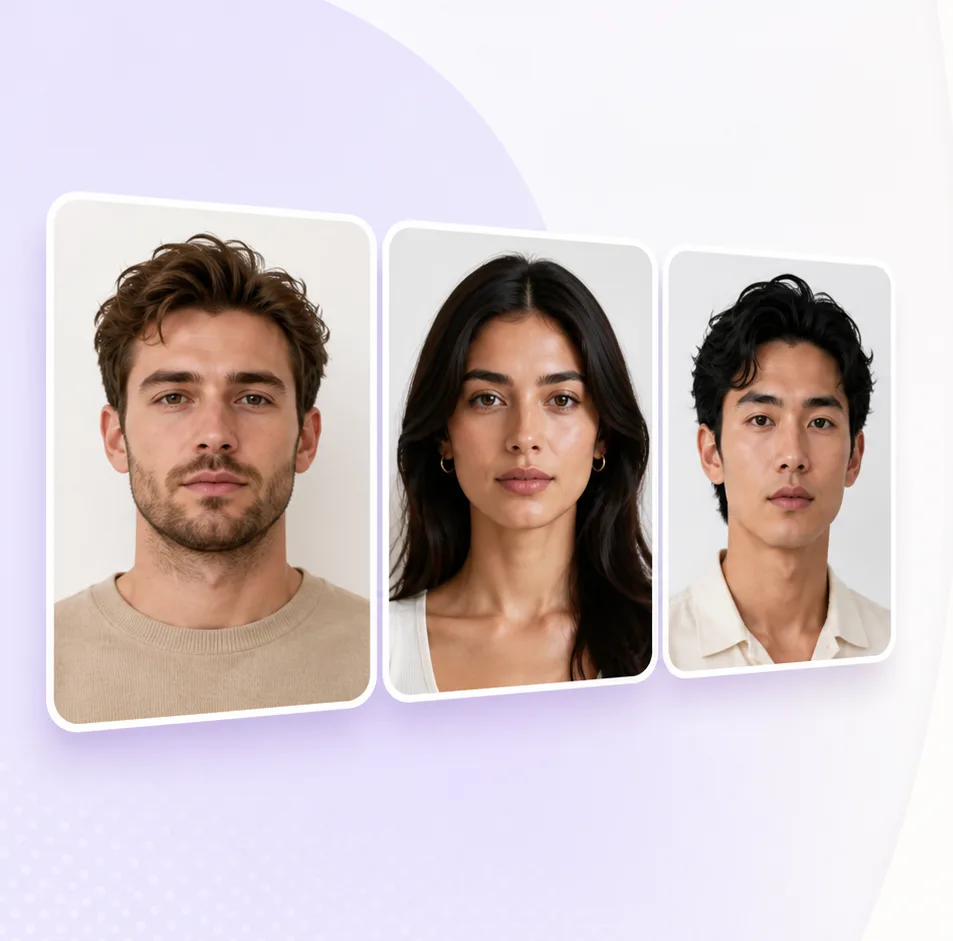
Keep chin and forehead inside the frame so the scan can lock on cleanly.
Use soft front-facing light so shadows do not hide structure or expression.
Skip filters, sunglasses, group shots, and heavy angles for a stable read.
Try-on
Use the rating snapshot to decide whether a hairstyle, hair color, beard, or glasses preview is worth trying next.
Preview haircut and styling directions from your scan photo.
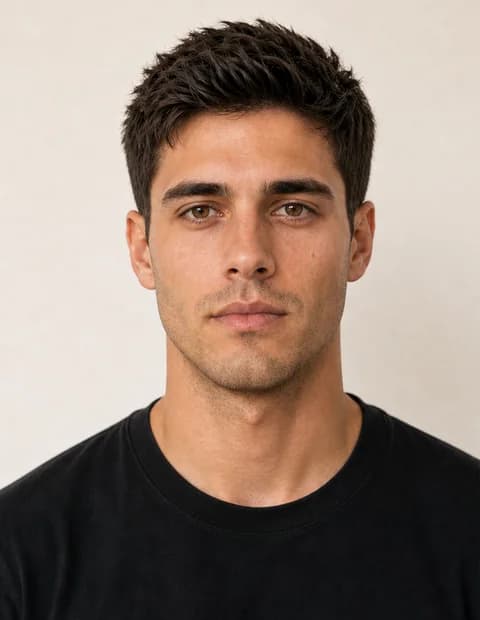
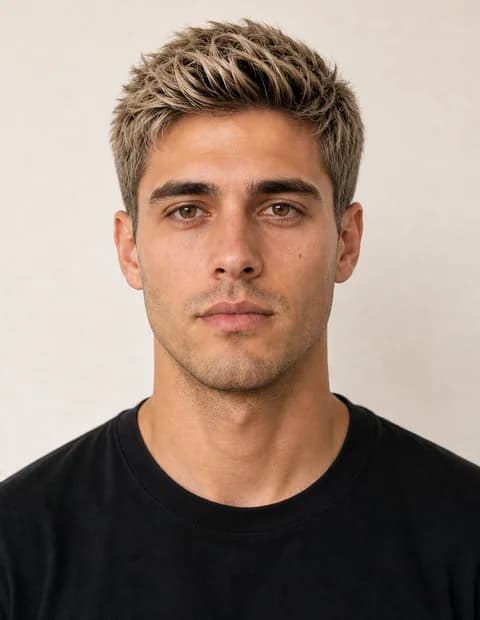
Test color, tone, and highlight changes on the same image.
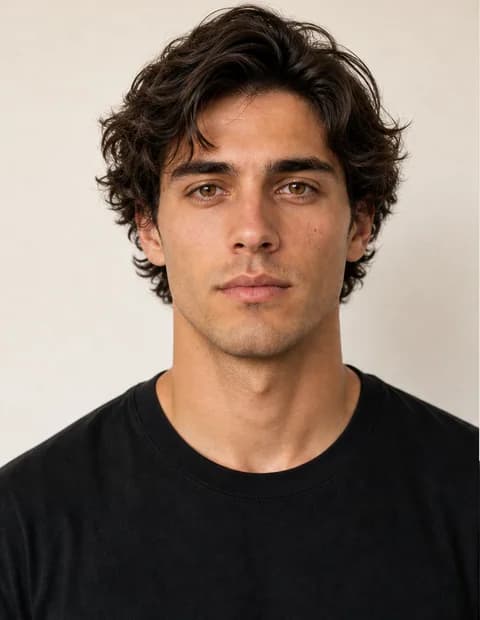
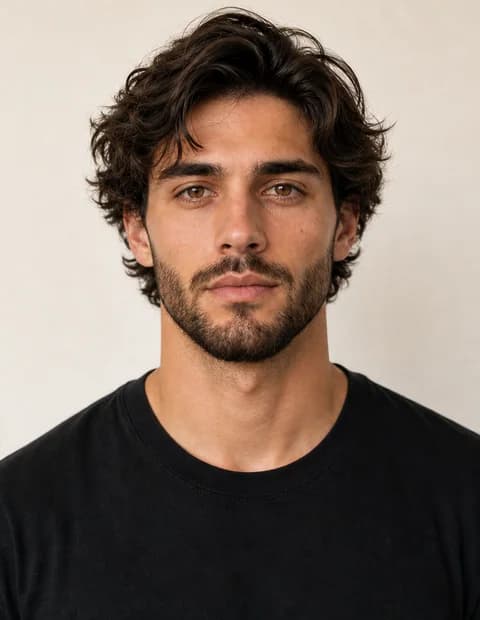
Preview beard, stubble, mustache, and grooming directions on your scan photo.
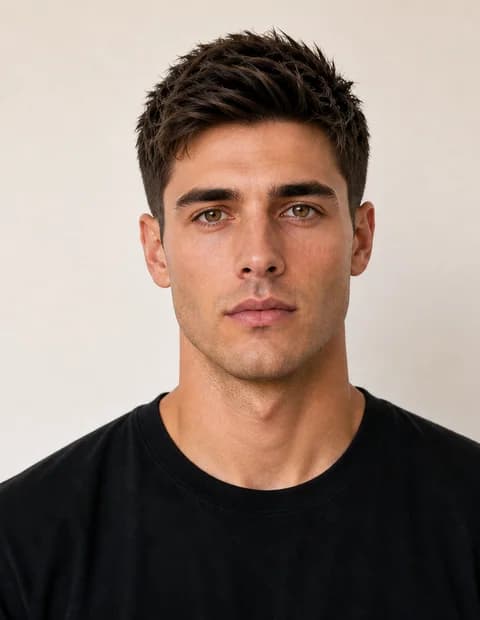
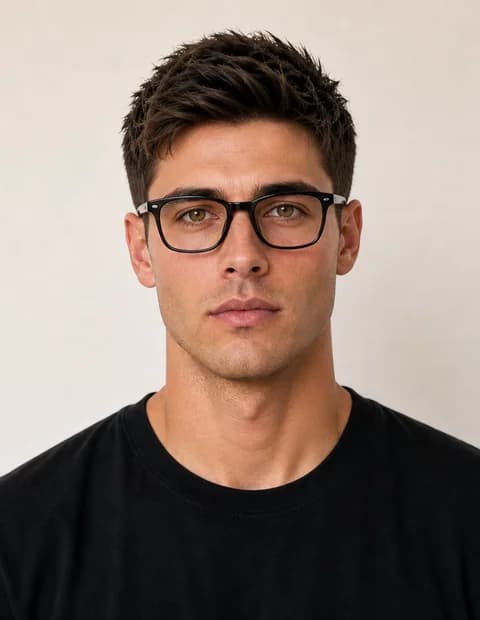
Preview eyeglasses frames and lens shapes on the same face photo.
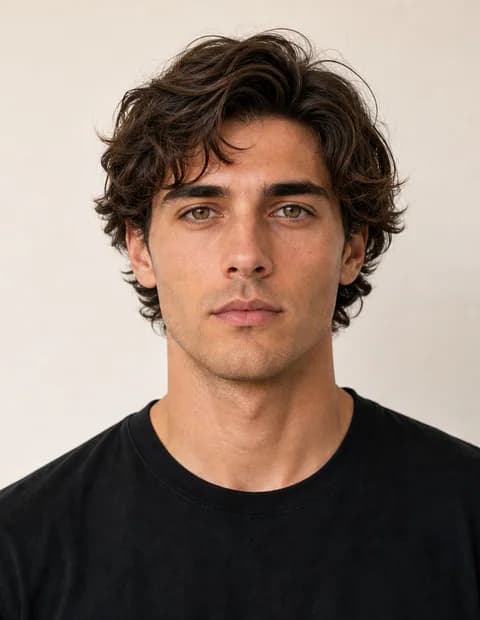
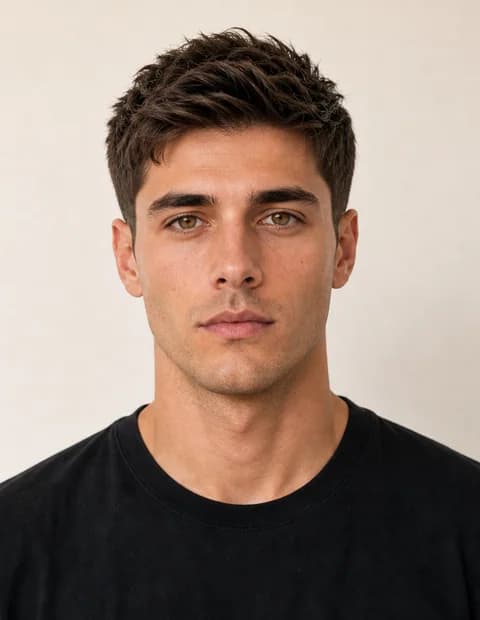
Preview haircut and styling directions from your scan photo.
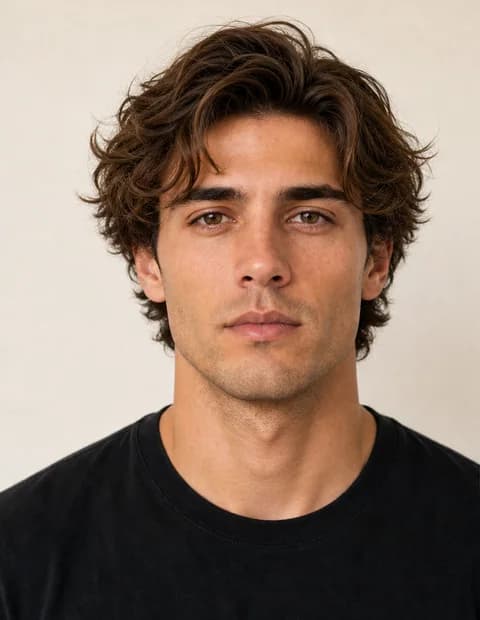
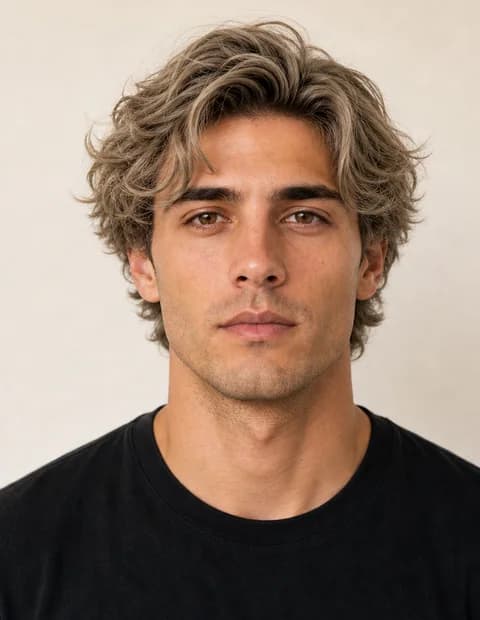
Test color, tone, and highlight changes on the same image.
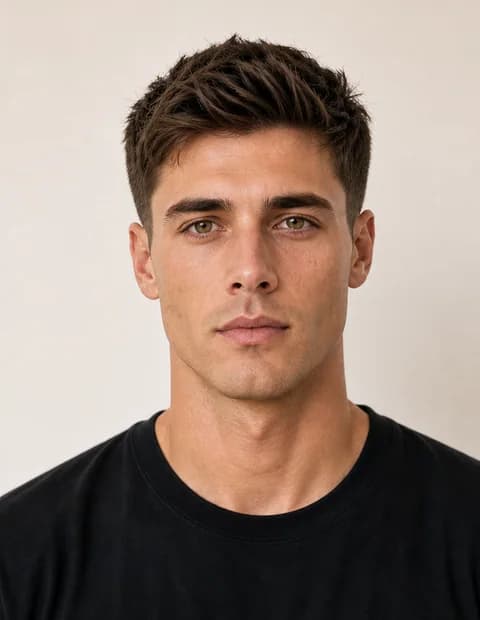
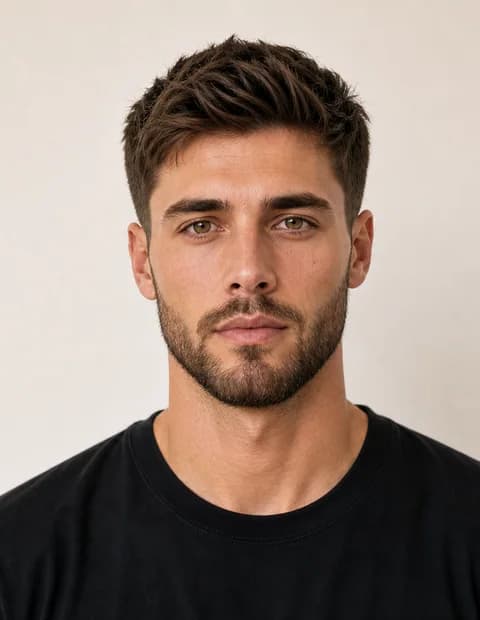
Preview beard, stubble, mustache, and grooming directions on your scan photo.
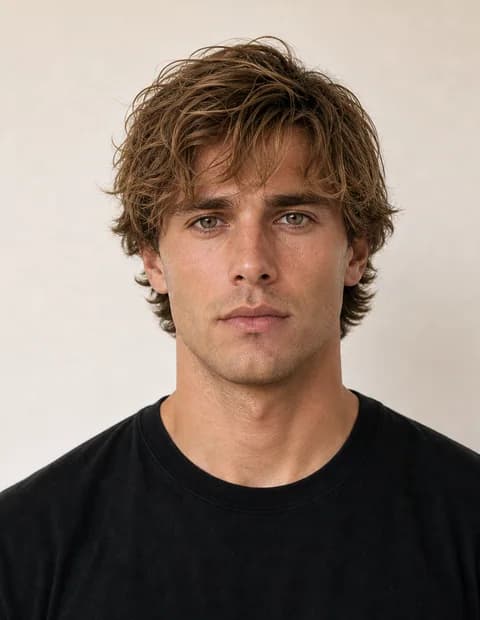
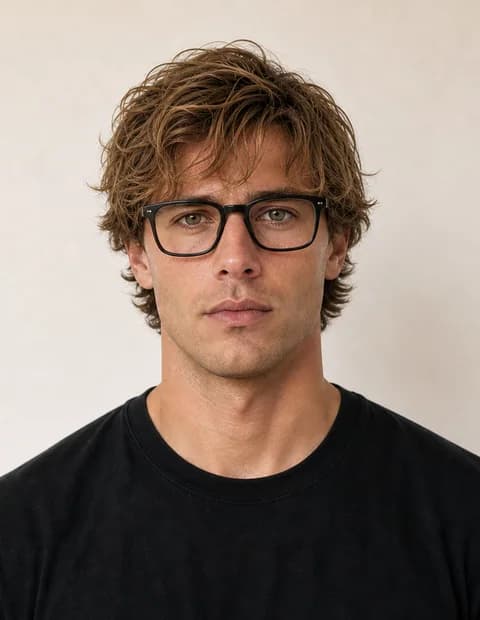
Preview eyeglasses frames and lens shapes on the same face photo.
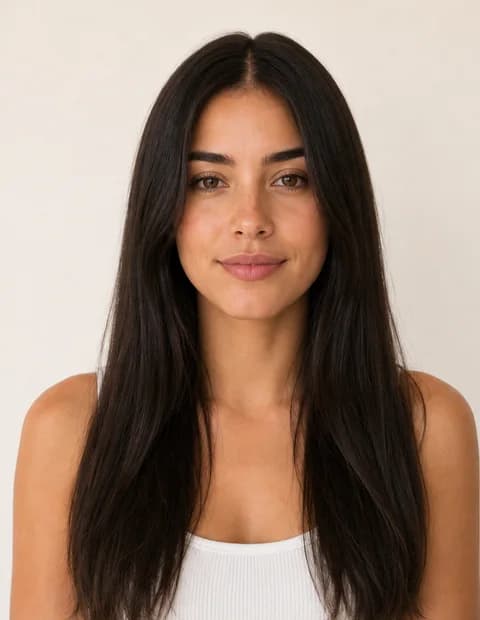

Preview haircut and styling directions from your scan photo.
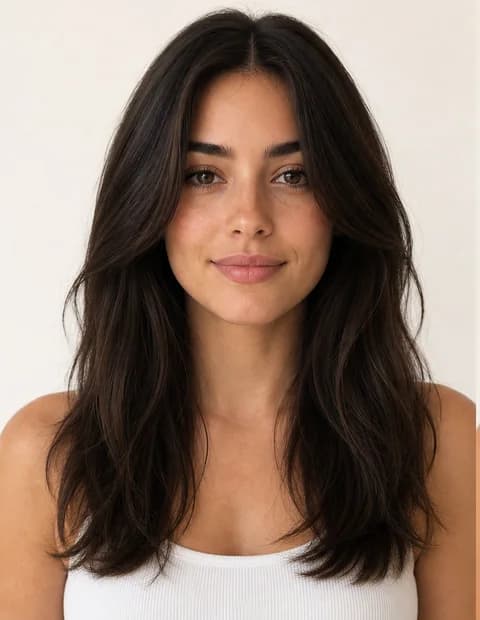
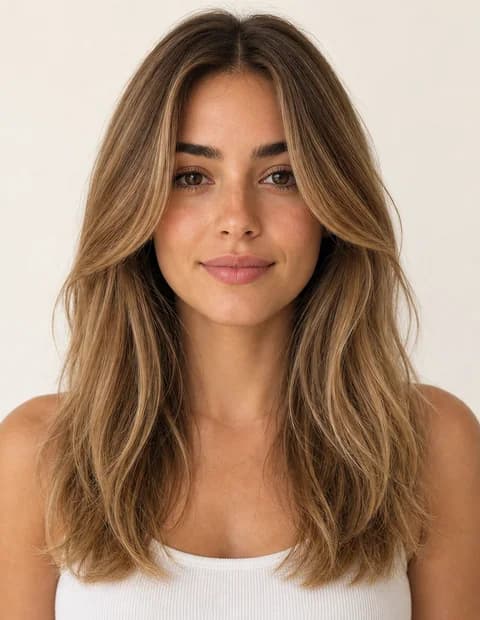
Test color, tone, and highlight changes on the same image.
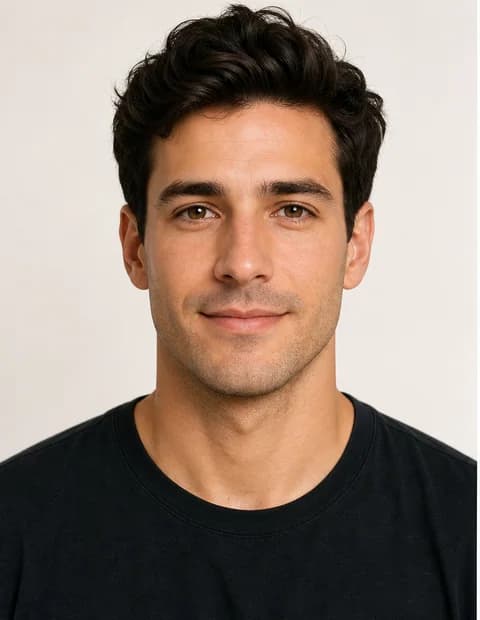
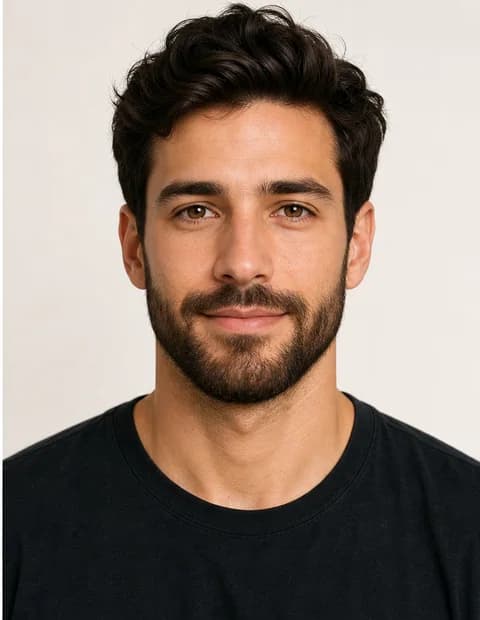
Preview beard, stubble, mustache, and grooming directions on your scan photo.


Preview eyeglasses frames and lens shapes on the same face photo.
AI Face Rating creates the snapshot the rest of MogScore uses. Start here if you do not have a score yet.
AI Face Analysis explains the saved rating snapshot without changing the score or scan values.
AI Face Generators create edited images from your photo or a saved report photo. They do not create reports.
Free preview
Your free MogScore scan should answer the basics before credits: what your mog score reflects, how the camera setup reads, and what to try next.
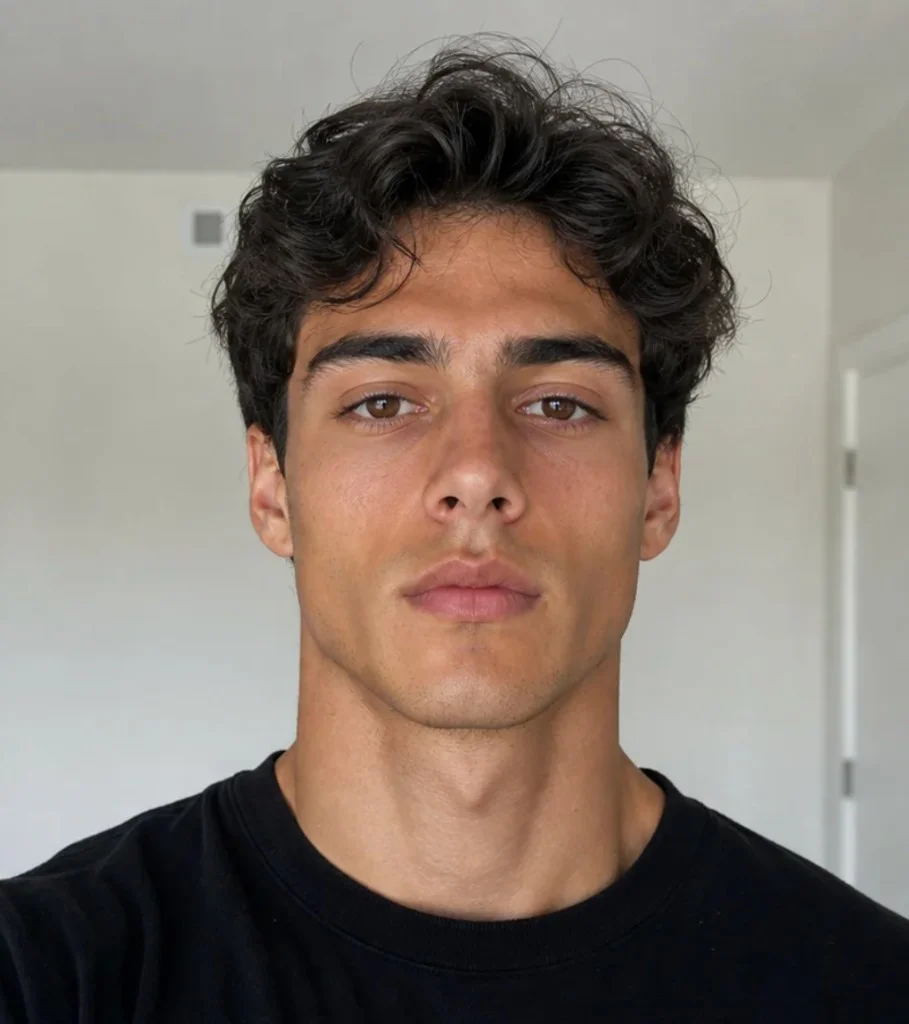
Sample free preview
Confidence: High
Metrics dashboard
Pick a dimension to see its metric bars and sample breakdown.
Estimated from visible photo geometry in this sample scan.
Estimated from visible photo geometry in this sample scan.
Estimated from visible photo geometry in this sample scan.
Estimated from visible photo geometry in this sample scan.
Blueprint
The Glow-Up Blueprint explains the saved MogScore rating snapshot with score reasoning, priority order, and a next-photo plan. It does not change the rating values.
A report based on the saved free preview. It turns the mog score into plain notes you can use for the next scan.
Workflow
Start with the MogScore AI face rating scan. Then decide whether the saved snapshot needs an explanation or an image tool.
Use live scan, camera, or upload with a current, clear face image.
The browser scan creates the metric snapshot before any optional unlock.
See the score, confidence, dimension notes, and photo-read summary.
Open AI Face Analysis for your Glow-Up Blueprint, or use a generator when you want to try a look.
FAQ
Free MogScore
Use one clear scan input for a free Face Rating snapshot. MogScore shows the score, dimension signals, confidence, and 30+ facial metrics in your browser.